Wireborne guides
Task-focused walkthroughs for the complete field workflow—from opening a new project to delivering a branded PDF report.
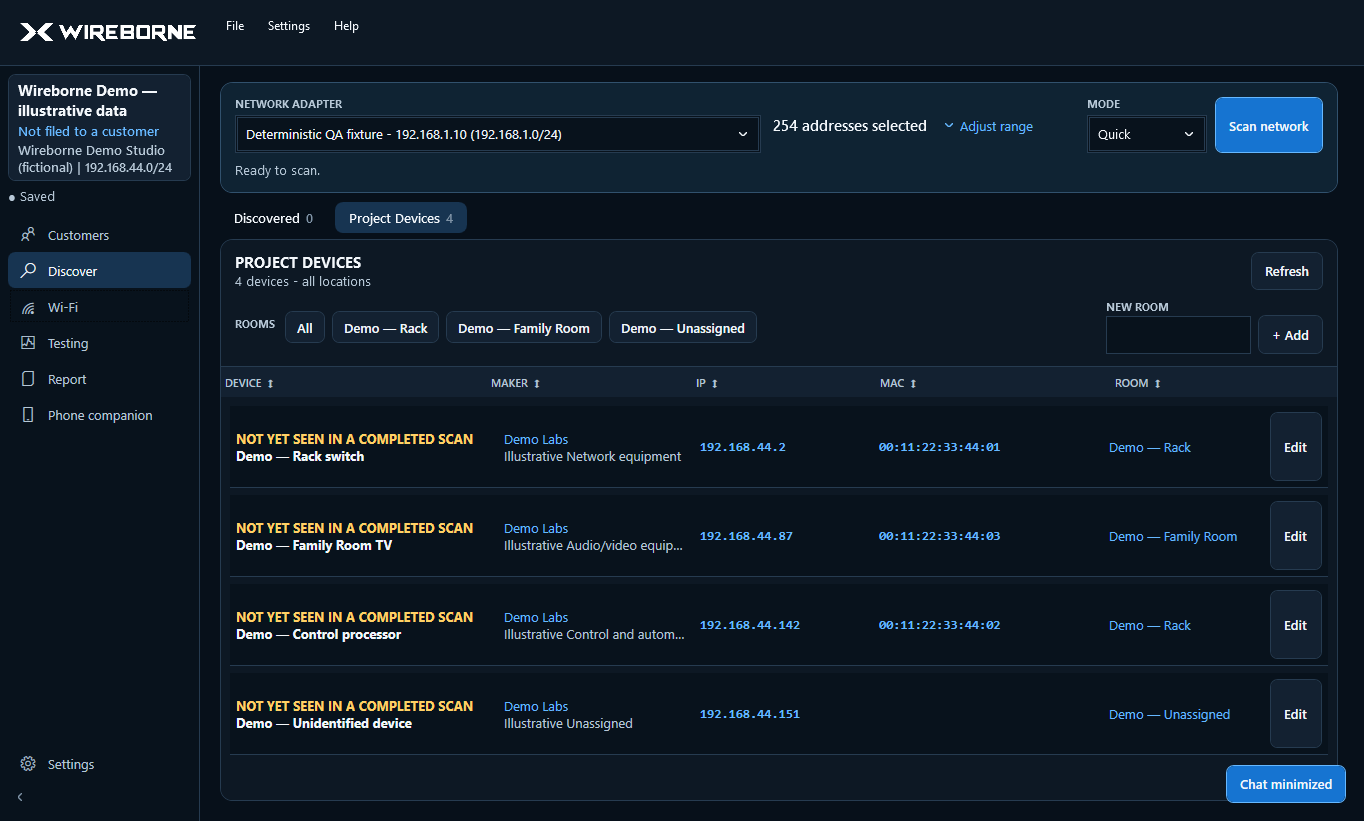
Getting started
Install, activate, start or skip customer details, and run your first scan.
Network scanning
Choose an adapter and IP range, understand scan modes, sort, copy, edit, and curate project devices.
Wi-Fi analyzer
Use live 2.4/5/6 GHz views, focus an SSID, save all-band snapshots, and run roaming surveys.
Diagnostics
Run internet speed tests and clear local tests with latency, loss, jitter, and service detail.
Phone companion
Connect by QR, select discovered devices, capture photos, review OCR, and update rooms.
Projects & devices
Save, reopen, organize, deduplicate, and maintain the persistent job record.
Settings & branding
Configure a small set of useful defaults and add your company identity and logo.
PDF reports
Prepare, preview, and create a properly formatted client-ready report.
Troubleshooting
Quick fixes for adapters, Wi-Fi bands, companion access, speed test limits, and projects.